
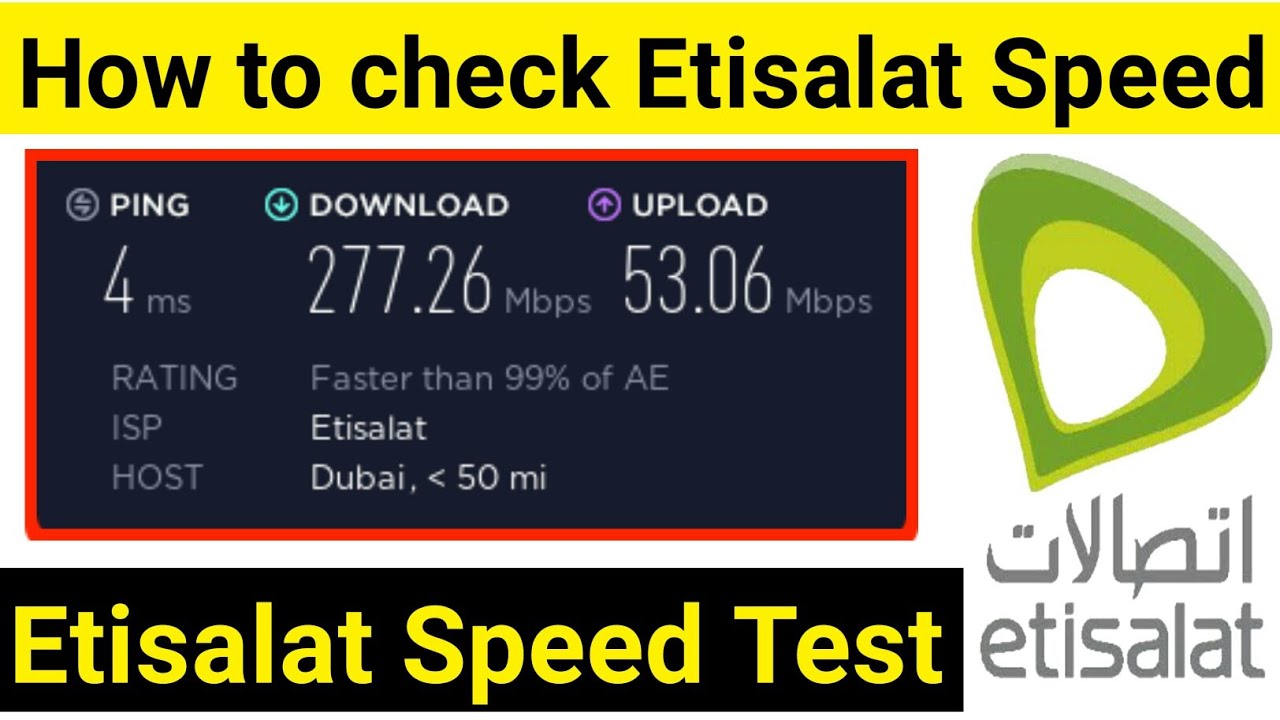
Test your Etisalat Internet Speed may take a few seconds, and it might help you troubleshoot network problems. You can also check whether your ISP is providing you with the amount of data transfer capacity that you have paid for. Currently, all it takes is a single push of the GO button to start testing your Internet speed. Use a speed test to evaluate your internet connection.
Test Etisalat Internet Speed
Suppose you paid a monthly fee for a 24 Mbps internet subscription for your home or office, but the signals are constantly dropping and your internet speed is not good.
You believe your ISP isn’t giving you as much Internet as promised in the contract. What would you do in the circumstances? Ask your ISP about the internet connection.
But this is not a good way to directly ask your ISP, there is even a better approach to handle the situation—an Etisalat internet speed test. You may verify your internet speed and the quality of your connection. You can easily test Etisalat speed using speedtest.
If you are Still confused? No worries, let’s discuss a little more deeper into the details!
Test Etisalat Speed using Speedtest
Etisalat recommend to use speedtest.net.
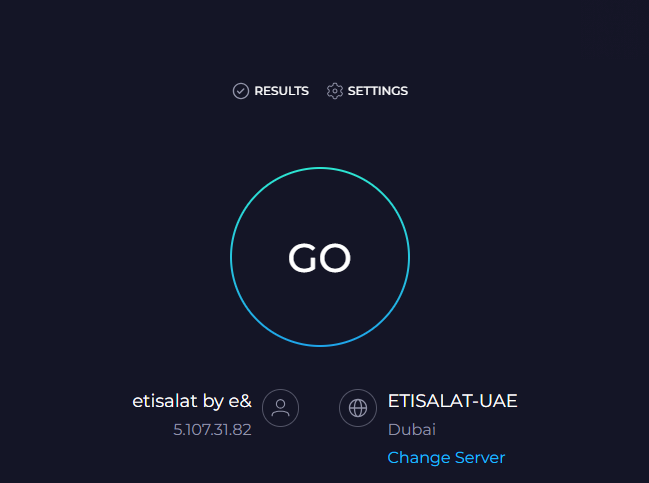
- Visit the Speed Test Website
- Now Click on the GO Button
- After a few seconds, it will test your Wifi or Internet Speed.
Keep in Knowledge During the Etisalat Wifi or Internet Speed Test
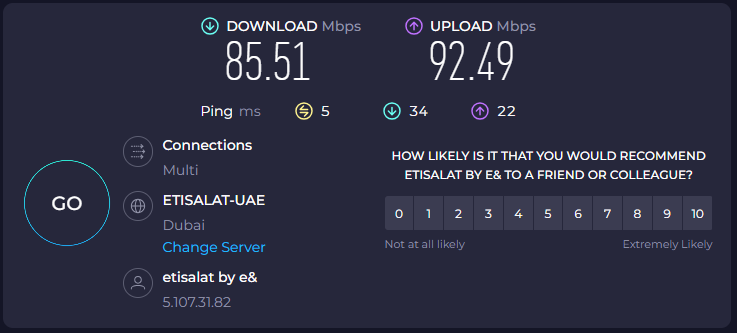
The Etisalat Wifi Speed Test includes the following four tests, which may be run on an Android or Apple OS device, tablet, or laptop:
- Download Speed Test
- Upload Speed Test
- Ping
What is the Download Speed Test?
The maximum quantity of data that your computer can receive from the internet in a single second is known as download speed.
What is the Upload Speed Test?
The highest quantity of data that your computer can send to the internet in a single second is known as upload speed.
What is Ping(latency)?
However, both ping and latency are measures of how quickly you can receive a response after sending a request across a network when used in the context of speed test results. Packet size, packet loss, and jitter frequently have an impact on latency and slow ping rates.